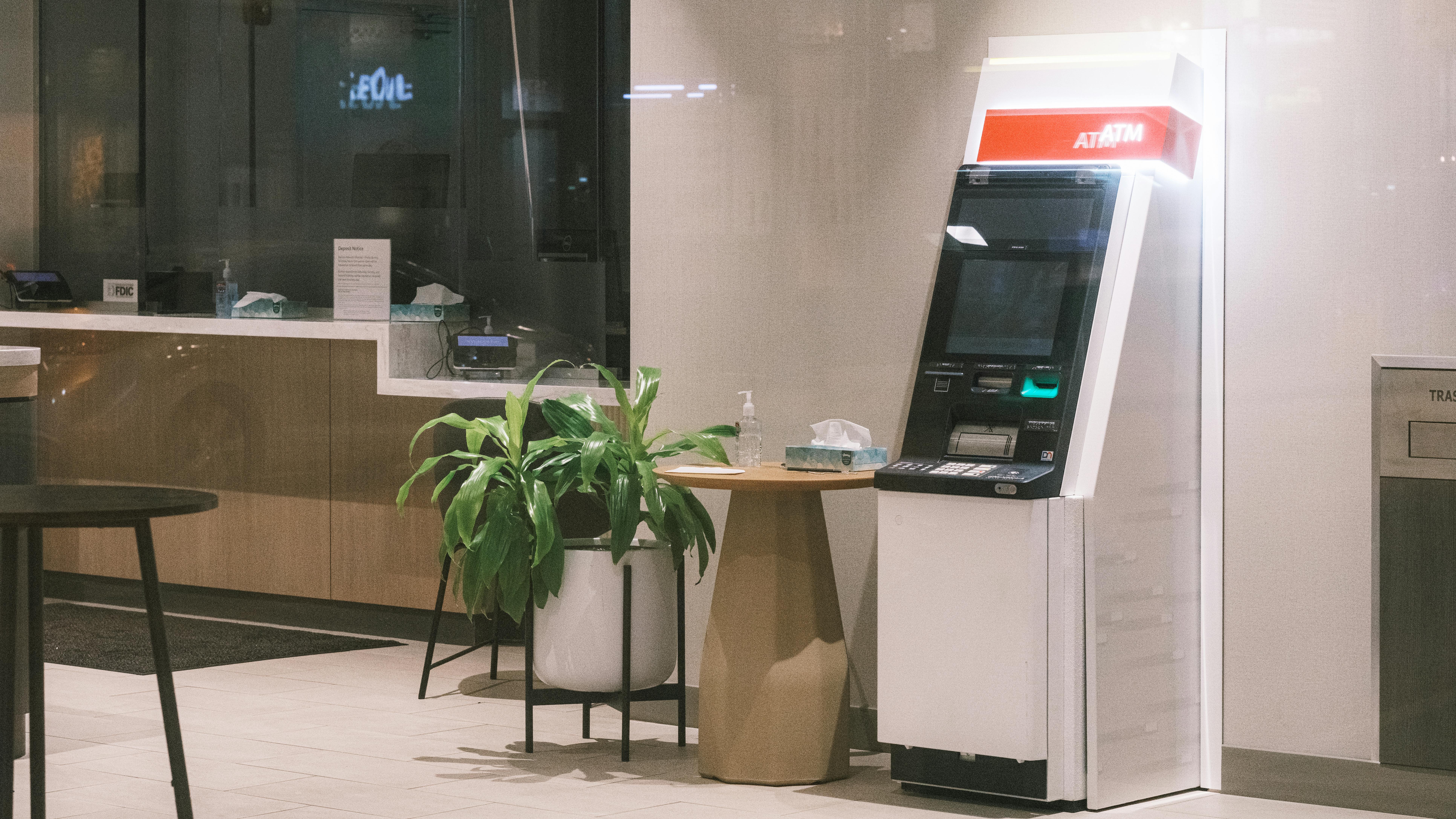
Using a Travel Wallet Card at an AEON ATM in Japan — It's Not as Easy as People Say
Last September in Fukuoka, I tried to withdraw cash with a Travel Wallet card at the AEON ATM next to Hakata Station for the first time. Before the trip, I read a handful of blog posts, and every single one of them said: "Just go to an AEON ATM, insert the card, and withdraw." I genuinely thought that was the whole story. Right up until I was standing in front of the ATM.
Here's the upshot — yes, you do insert the card and withdraw. But calling it "easy" doesn't really match my experience. There are two specific points where almost everyone freezes the first time.
Travel Wallet is partnered with VISA, so in Japan, AEON Bank ATMs are the only ones where you can withdraw without a fee. Japan has ATMs everywhere — Seven-Eleven, Lawson, FamilyMart, every convenience store has one — so it's tempting to just go to whichever is closest. But at those, you'll get hit with a 110~220 yen fee per withdrawal. Losing 200 yen on a 10,000 yen withdrawal stings a little.
So I usually find the AEON ATM closest to my hotel or the nearest station. AEON ATMs are inside the pink-signed Ministop convenience stores or inside AEON Mall buildings. I pulled my cash from a small booth-like spot right next to Hakata Station.
Now back to the two big stumbling points.
First freeze — you have to choose the language first
This is the real one. I got stuck here for a while myself. Maybe because the screen is all in Japanese, you get this weird hesitation, like the screen is shouting at you.
In Korea, you naturally look for the "Withdraw" menu. In Japan, the very first screen has an "International Card" button that you have to press first. Once you press it, then the screen switches to English or Korean.
Weirdly, this button is not easy to spot. I just kept going in the Japanese screens, fumbled through some menus, and the transaction got canceled. I have no memory of what I pressed — I just kept hitting things going "is this it?" and that's how it ended. I reinserted the card, slowed down, and finally noticed the International Card button off to the side. Press this button first. Knowing this alone saves three minutes.
Second freeze — adding "00" to the end of your PIN
This is the one that really makes you freeze.
Korean card PINs are 4 digits, right? Travel Wallet is also 4 digits. So I punched in 4 digits, but the screen clearly wanted two more. I stood there for about three minutes going, "Wait, was my PIN 6 digits? What even is my PIN?"
I looked behind me. There was a line forming. Not one person — two or three Japanese people waiting. I felt awful. For a second I thought about pulling my card out and stepping aside, but if I did that, I'd have to come back and figure it out all over again, so I just kept trying. I punched in the 6-digit PIN I usually use, and that didn't work either. I was actually sweating.
Turns out AEON ATMs run on a 6-digit PIN standard, and the trick is to add "00" to the end of your 4-digit PIN. If your PIN is 3939, you enter it as 393900. I'm not sure if I misread the Travel Wallet documentation or just glossed over the blog posts, but there really wasn't much information on this anywhere.
And here's the kicker — by the next time I went to Japan, I had forgotten about this and froze in the exact same way again. Seriously, write this down before you fly out. Just one line in your phone notes: "If the PIN doesn't work, add 00 to the end to make it 6 digits." That one line saves you.
Everything after that is fine
Once you're past the language and PIN steps, the rest is pretty smooth. The screens are in Korean and easy to follow.
Travel Wallet is a prepaid charged card, not a Japanese bank account, so the "account type" question doesn't really matter — but to be safe, pick "Skip" if you see it, or "Savings" if you don't.
There's one currency thing to watch out for. The ATM might ask "withdraw in JPY or settle in KRW?" — always pick JPY (Japanese yen). You already pre-loaded yen onto the Travel Wallet app, so you're pulling out the yen you already have. Picking KRW means converting on the spot, and the rate will be worse.
One thing I really like about AEON ATMs: you can withdraw in 1,000-yen increments. Most other ATMs have a 10,000-yen minimum. AEON lets you pull 1,000 yen or 5,000 yen. If you just need to grab a drink, you don't have to take out 10,000 and be stuck with all that change. I usually pull 5,000 or 10,000 yen at a time.
If you don't know the limits, you'll get stopped on your second withdrawal
This is another one people miss. Travel Wallet has a withdrawal limit of $400 USD per transaction (about 60,000 yen) and $1,000 USD per day (about 140,000 yen). And here's the catch: once you cross $500 USD in monthly withdrawals, a 2% fee kicks in. That's about 700,000 KRW. After that point, it's no longer free.
If you're in Japan for more than a week or travel frequently, you'll bump into this. I went from Fukuoka straight to Osaka and noticed fees suddenly appearing — that's how I learned. So the play is to pull what you need in bigger chunks, not in small frequent withdrawals. Don't pull 10,000 or 20,000 yen multiple times. Pull 50,000 in one go.
Five minutes before you leave home
Do these two things and you won't blank out at the ATM.
First, check that you've loaded yen in the app. Travel Wallet is a charge card. If the app balance is at 0 yen, no matter what you press at the ATM, nothing comes out. Top it up when the exchange rate looks good.
Second, confirm your PIN and write "00" into your phone notes. The Travel Wallet PIN is a separate 4-digit number you set in the app. If you mix it up with another card and get it wrong too many times, the card can get temporarily locked. Verify the PIN in the app before you go, and jot down "add 00 to the end if it doesn't work" in your phone.
To wrap it up
"Travel Wallet lets you withdraw for free at AEON ATMs in Japan" — that's true. But blog posts ending at "easy" set people up to be blindsided. Free and easy are two different things. Pressing the International Card button and adding 00 to the end of a 4-digit PIN — those are the two points where everyone freezes 100% of the time.
Once I knew these two things, withdrawals on my second Japan trip took under a minute. Funny thing though — even after getting used to it, if enough time passes before the next trip, I just forget again. So I'd recommend going through the steps once the night before you fly out. It's such a small thing, but the difference between sweating it out with Japanese people lined up behind you versus pulling cash in a minute flat is genuinely huge.